Your studio, with a second perspective.
ModuloraAI puts five focused AI specialists on your studio desk: audio engineering, songwriting, marketing, technical support, and studio administration. Connect your own Anthropic or OpenAI-compatible key for free, inspect browser-computed loudness measurements, and cite verifiable studio reference knowledge.
Sign-in required. BYOK is free from ModuloraAI; your selected AI provider bills usage directly.
Five dedicated studio roles
Each assistant has its own scope and reference material. They help you reason, write and plan; you make decisions and carry out the work.
Audio Engineer
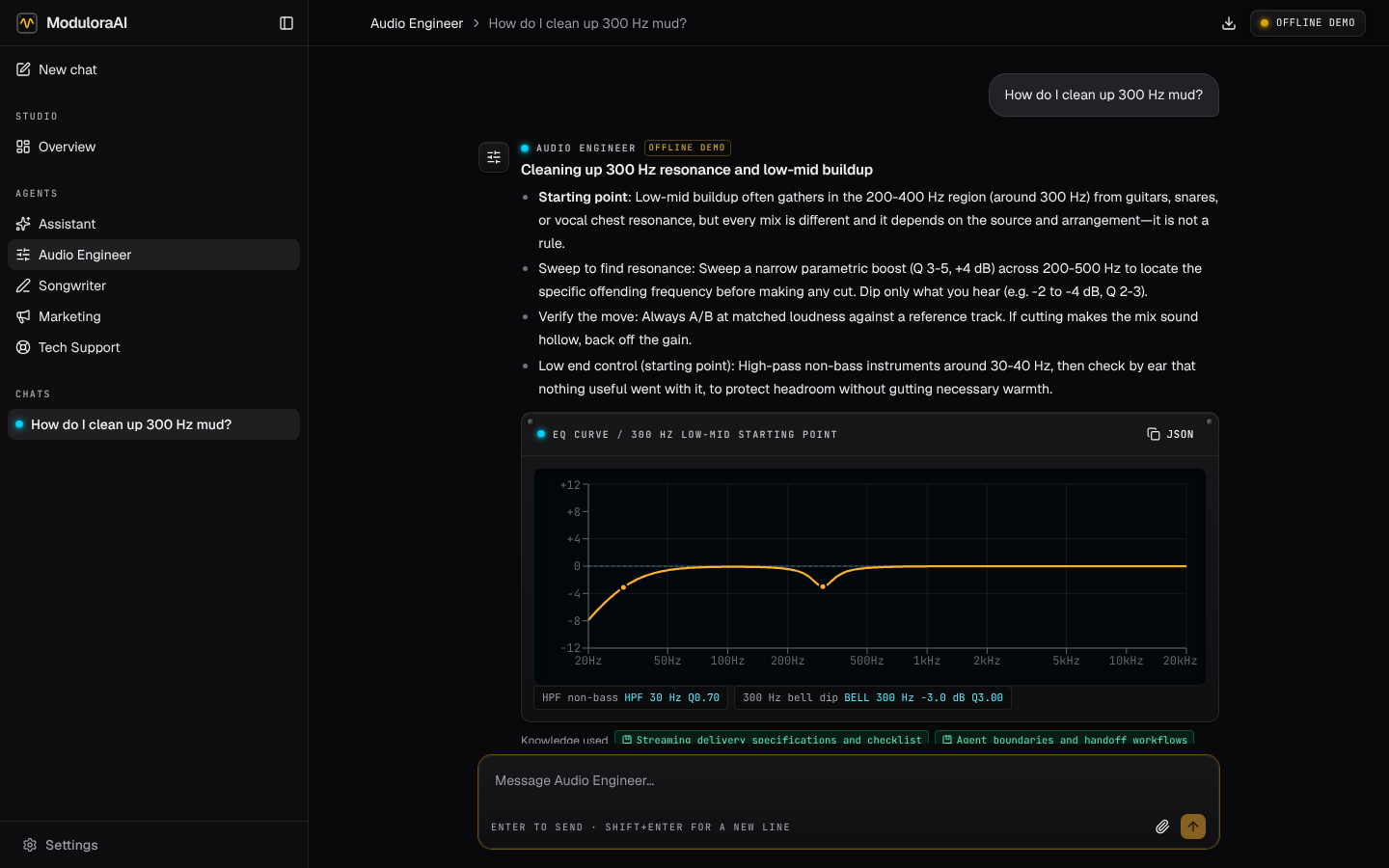
ENGINEERINGAdvises on gain staging, EQ frequency allocation, compression topologies, reference matching, and stereo imaging. Distinguishes physical standards from subjective tastes.
Songwriter
COMPOSITIONFocuses on lyrical prosody, rhyme schemes, hook construction, modal interchange, and song structure dynamics from intro to outro.
Release Marketer
PROMOTIONDrafts press releases, streaming pitch blurbs, metadata checklists, and pre-save campaign timelines tailored to indie artists and boutique labels.
Tech Support
SYSTEMSTroubleshoots buffer underruns, ASIO/CoreAudio driver conflicts, clocking jitter, ground loops, and hardware MIDI signal routing.
Studio Assistant
MANAGEMENTHelps draft session plans, administrative notes, quotes and invoices using your browser-stored studio profile. You review drafts and carry out the work.
Audio measurements in your browser
For supported audio files your browser can decode, ModuloraAI computes integrated loudness, true peak and loudness range locally.
- ✓ Integrated Loudness (LUFS): Measured according to ITU-R BS.1770-4 gating algorithms.
- ✓ True Peak (dBTP): An estimate of peaks between samples.
- ✓ Loudness Range (LU): Statistical dynamic spread calculation across your mix.
- ℹ Honest Data Context: Your audio file itself is never streamed or uploaded to the AI provider. Only the computed numerical measurements and file metadata are passed into prompt context.
Honest data handling
Your workspace is stored in this browser. Selected context goes to your configured AI provider when you request an answer.
Stored In Your Browser
Your conversation logs, studio profile, studio knowledge notes, and configured API keys are stored in your browser's localStorage and IndexedDB. We do not store your chat histories on our servers.
Sent To Your AI Provider
When you submit a message, conversation context, selected text and images, and loudness measurements are transmitted to your configured AI provider to generate the response.
Export & Local Backup
Clearing browser site data can remove your workspace. Export a backup in Settings > Data to archive or move it. API keys are excluded unless you choose to include them.
What we're building next
These features are in development and not available yet. Dates aren't set; each ships once it's tested with working studios.
Modulora Cloud
Use hosted models without your own API key. Pay as you go from prepaid credit in CAD, with no subscription. See pricing.
Team workspaces
Share threads with staff and collaborators, with owner, admin and member roles for each studio.
Studio desktop bridge
Convert, rename and batch-check loudness on your own machine. Every change is previewed and needs your approval.
Calendar and email
Send session plans to your calendar and turn quotes and handoffs into email drafts.
See where these fit in the product demo.
Clear, transparent pricing
BYOK is free from ModuloraAI, with provider usage charges paid to your provider. Prepaid hosted token credit is planned. There is no monthly plan.
Bring Your Own Key (BYOK)
ModuloraAI charges no fee for BYOK. Connect an Anthropic or OpenAI-compatible API key. Your provider bills usage directly; browser access and model support depend on that provider.
- ✓ All five studio specialists and system prompt specs
- ✓ Direct client-side ITU-R BS.1770-4 loudness measurement
- ✓ Curated reference knowledge base & citation library
- ✓ Full data ownership: JSON backup export & import
- ✓ Direct browser connection to Anthropic or OpenAI-compatible endpoint
Sign in with your email, then enter your API key in Settings > Engines.
Modulora Cloud Token Credits
Planned for studios that prefer hosted access: customer-purchased CAD credit, deducted as tokens are consumed, with no monthly subscription.
- · Hosted model access without managing an Anthropic API key
- · Prepaid balance in Canadian Dollars (CAD)
- · Deducted strictly for tokens consumed
- · Clear prepaid balance inspection in Account settings
Pricing and checkout terms will be published prior to service launch.
Frequently answered questions
How does attached audio analysis work?
For supported audio your browser can decode, ModuloraAI measures integrated loudness (LUFS), true peak (dBTP), and loudness range (LU). The assistant receives measurements and file metadata as text context. Current AI clients do not send audio bytes.
What do I need to use the Bring-Your-Own-Key (BYOK) tier?
Sign in and enter a working Anthropic or OpenAI-compatible API key in Settings > Engines. Browser access and model support depend on the provider. ModuloraAI charges no fee for BYOK; your provider bills its usage directly.
Where are my chats, notes, and API keys stored?
In your browser's local storage and IndexedDB. ModuloraAI does not store your conversation logs or keys on our servers. Because your data lives locally, use Settings > Data > Export to save backups.
How will hosted Modulora Cloud token credits work?
Modulora Cloud will allow studios to purchase prepaid credit in CAD to access hosted models without creating separate API accounts. Token usage will deduct directly from your prepaid balance with no monthly recurring fee. This option is currently pending activation and will launch once checkout and metering are fully verified.